
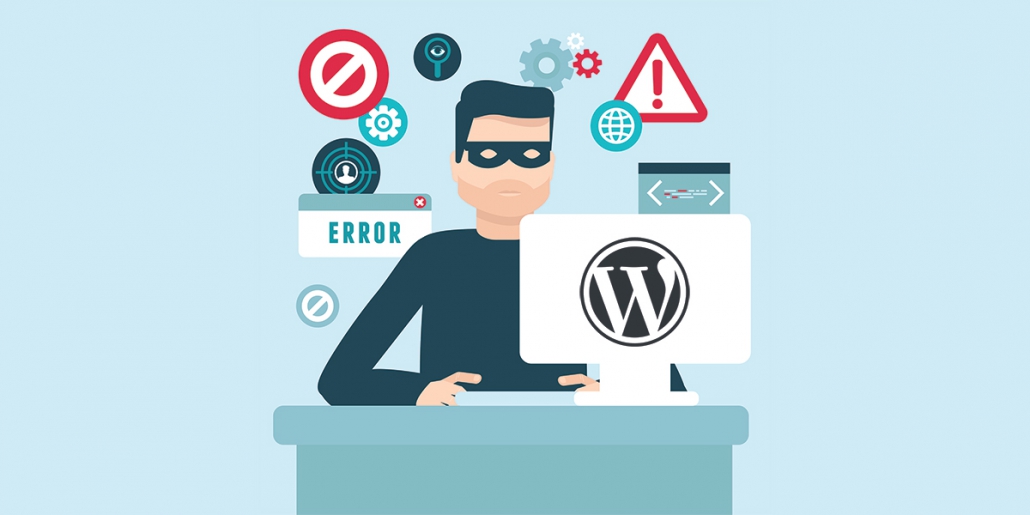
WordPress sites compromised by their own administrators
This week we have heard from a number of business owners who reported that their WordPress websites had been compromised or gone offline. One of these businesses had been told by their web designer that they were amongst 60 million sites which had been hacked due to an issue with the WordPress software.
In each case, these businesses had their websites compromised by the WP-VCD infection. According to Wordfence, a company specialising in WordPress security and threat analysis – WP-VCD is the most prevalent WordPress security threat.
Unfortunately in all these cases, the infections were installed by either the site owner or web designer by using pirated (nulled) plugins and themes which they obtained from so-called “free” sites, rather than legitimate site like CodeCanyon or ThemeForest. Sometimes these free versions may be installed by accident as the sites hosting them often rank higher than legitimate sites in search results.
WP-VCD doesn’t infect sites through holes in the WordPress software, rather infects by being installed by web developers or webmasters themselves. Once installed, the site will be hacked and taken over quickly. The malware:
- A backdoor account is created and the password stored for transmission back to command and control infrastructure;
- Code is inserted into the functions.php file of each theme on the website;
- The site is registered with the Command and Control (C2) server where the malware provides the site URL and the backdoor account details;
- The malware searches for other WordPress installations on the same server that it can access and installs its payload to be ran on every page load
- The deployer in the hacked theme or plugin is removed.
Once installed, the site can be controlled by the hackers who will monetise it by inserting ads they are paid for into the compromised website. They will also insert keywords and backlinks to increase the search rankings for their own websites.
How to keep your site safe
There are a number of things you can do to keep your WordPress site safe:
- Use secure administrator passwords;
- Keep your installation up to date (this includes the core files as well as themes and plugins);
- Only install themes and plugins from reputable sources – the WordPress Directory, ThemeForest and CodeCanyon are all good sites;
- Backup regularly or use a web host that backs up automatically on a periodic basis;
- Use a Website Security Scanner.

Leave a Reply
Want to join the discussion?Feel free to contribute!