
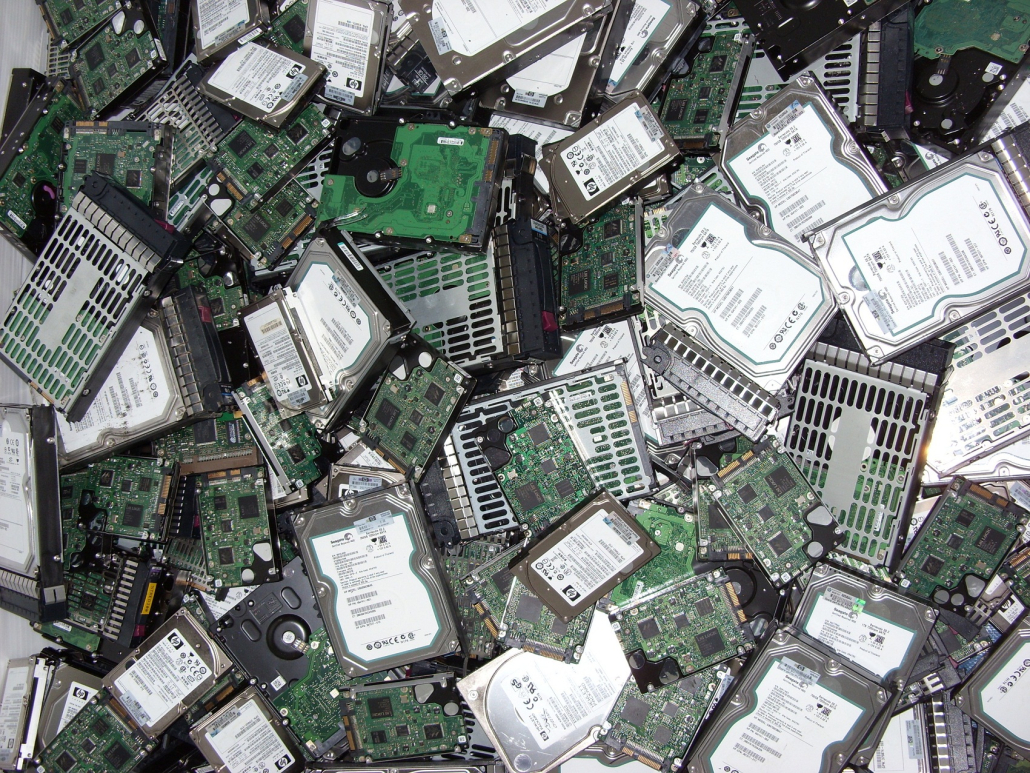
Hard drives and devices should be securely erased
When you dispose of your computer or mobile phone what do you do with it? Do you donate it to charity? Sell them? Put them in the bin? Before you dispose of them you probably erase your data by either formatting or doing a factory reset too.
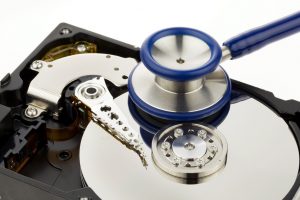
What you probably don’t know is that by erasing your hard drive using a quick format or doing a factory reset on your phone doesn’t securely erase your data. When you pass that item on you are passing on data which could be easily recovered – data which may include your name and address, bank details, driver’s licence, etc. That’s data that could be used to steal your identity – a frightening prospect!
Recently, data erasure company Blancco Technology Group conducted a study where they bought 200 secondhand hard drives from eBay and Craigslist with the intent of seeing how much data they could recover. The result 78 percent of the drives had data which could be recovered and 67 percent contained personal information such as GPS tagged photos, resumes and financial data.
It’s therefore important that you securely erase data from your computer hard drive or devices before disposing of them. For a computer, you can use Darik’s Boot and Nuke which will give you a number of options to erase your drive – we recommend DoD Short for a quicker erase or DoD 5220.22-M (which is quite slow as it goes through the entire drive 7 times).
For a mobile phone, the best way to securely erase it is to encrypt it’s storage using a password and then do a factory reset – this way the data will still be deep on phone’s storage but it will be far harder to recover.
Businesses also need to remember their privacy obligations which can be breached if they fail to securely erase their data when disposing of equipment – it’s critical for business to ensure data is securely erased.


Leave a Reply
Want to join the discussion?Feel free to contribute!